
Nail Designer
Design Every Nail
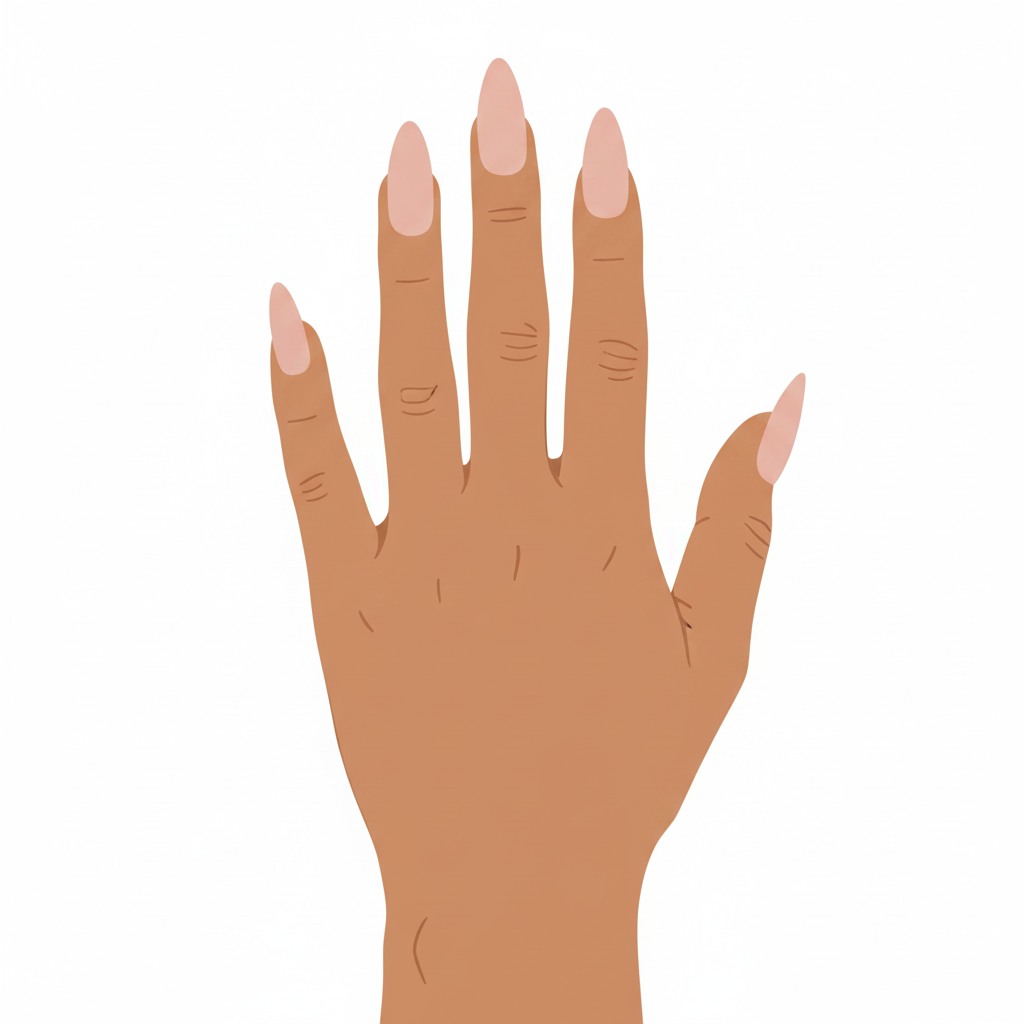
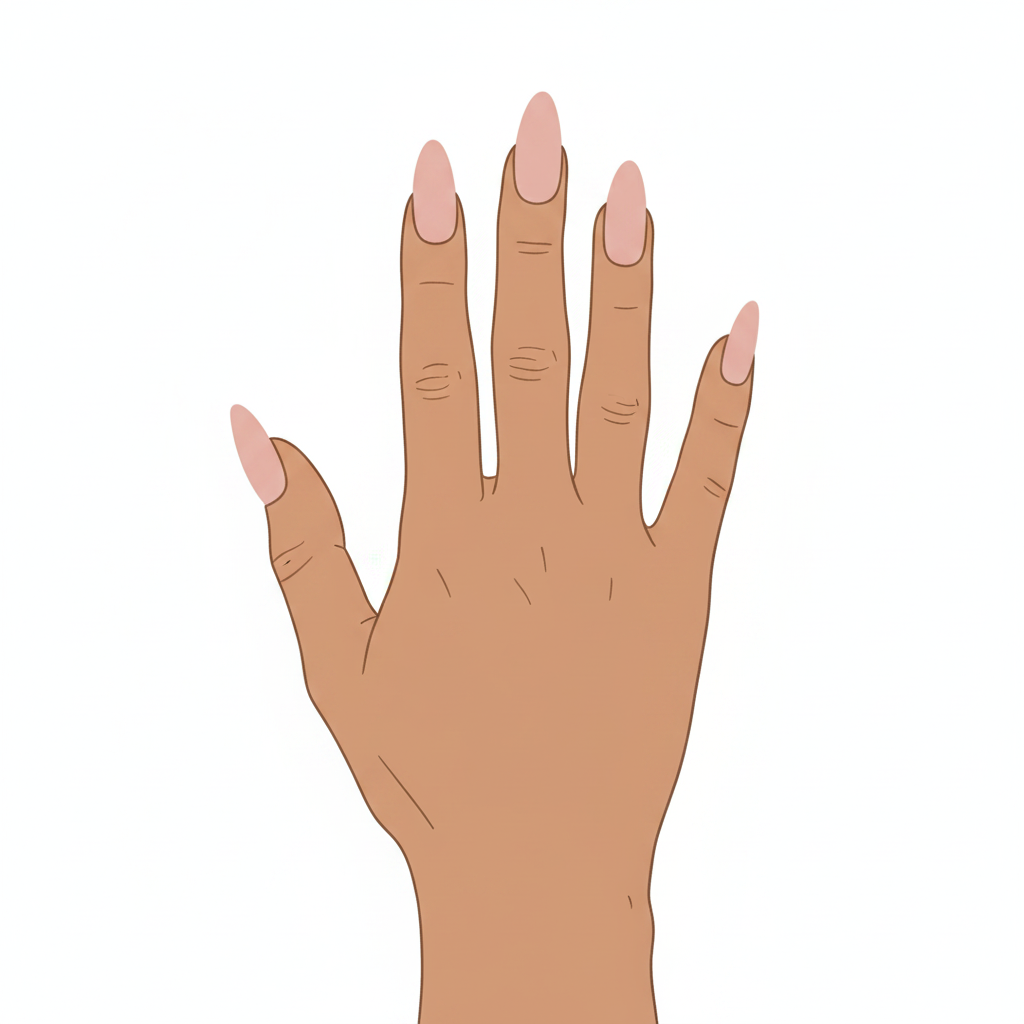
Click each fingertip to customise it — base color, finishes, art, charms, and more. Mix and match across all ten nails.
0/10 nails configured
Click a fingertip
Pink = selected · Teal = configured · Grey = empty
Left Index
Configure the nail design for this finger
Cat Eye
Chrome
Blooming Gel
Hand Painted Design
3D Design
Charms
Stickers
Additional Details
💅 Tips for using the Nail Designer
- ✦Click any fingertip on the illustration to select that nail.
- ✦Mix & match — each nail can have its own color, shape, and effects.
- ✦Use the chips to jump between fingers without clicking the illustration.
- ✦Teal dots on a fingertip mean that nail is configured — aim for all 10!
- ✦Upload inspo photos in the Hand Painted or Photo sections.